
4 steps
How it works
Four steps to take control of your vendor bills — from setting up your business to marking payments as paid.
- 1
Create your business
Set your business name, currency, and timezone in seconds. A solid foundation for accurate financial tracking.
Your business
- Business name
- Currency
- Time zone
- 2
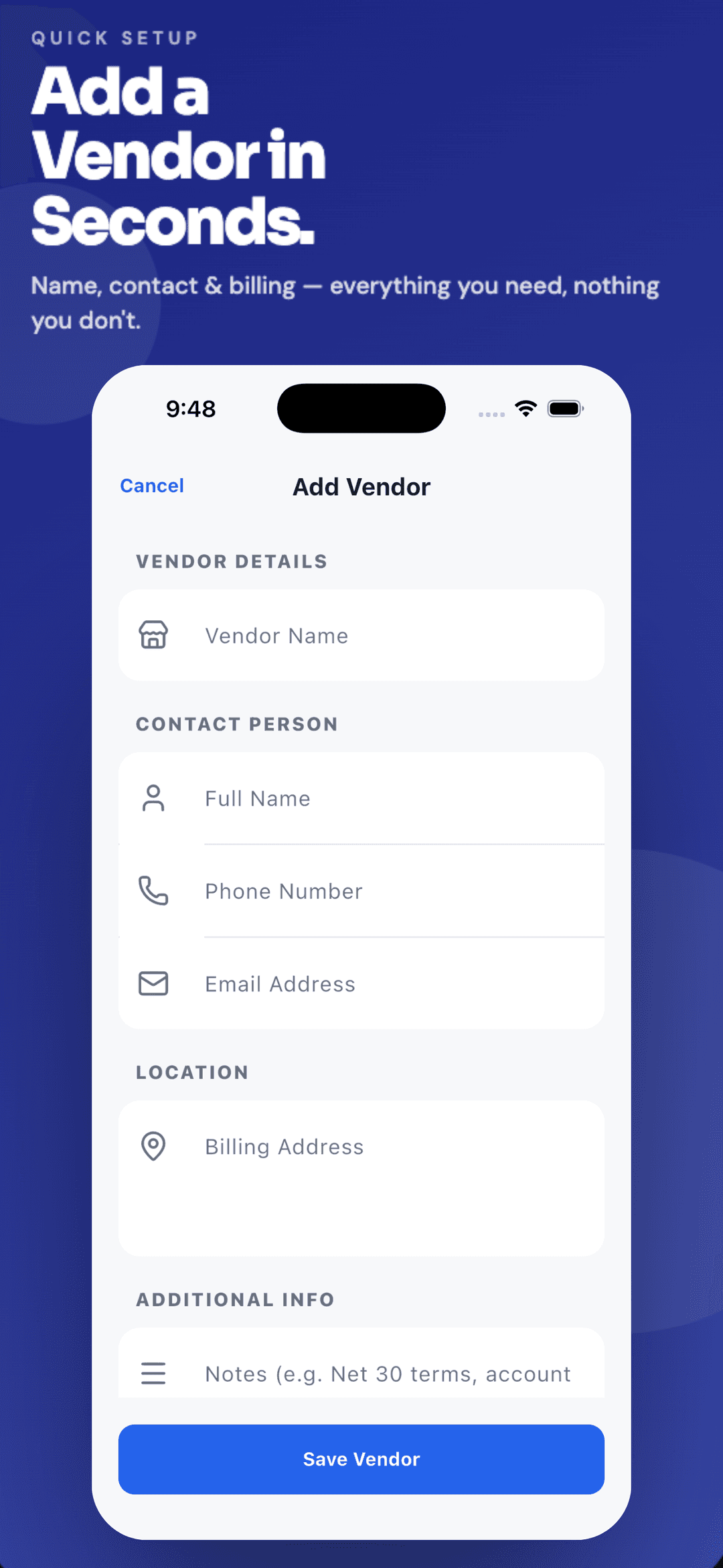
Add vendors
Save vendor contact details and billing information. Keep all your payment destinations organized in one unified directory.
- 3
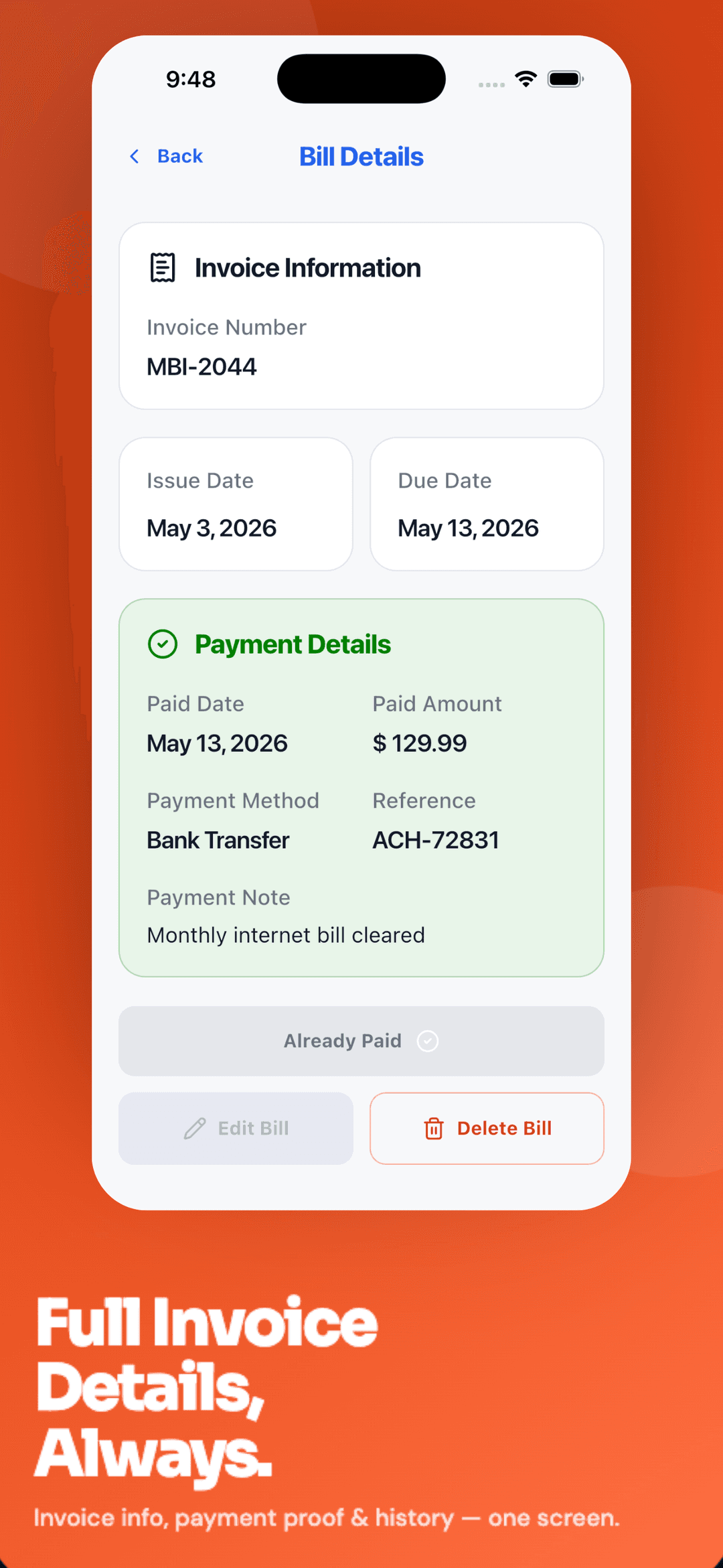
Create bills
Add invoice number, amount, due date, notes, and attachments. Capture every detail necessary for smooth payouts.
- 4
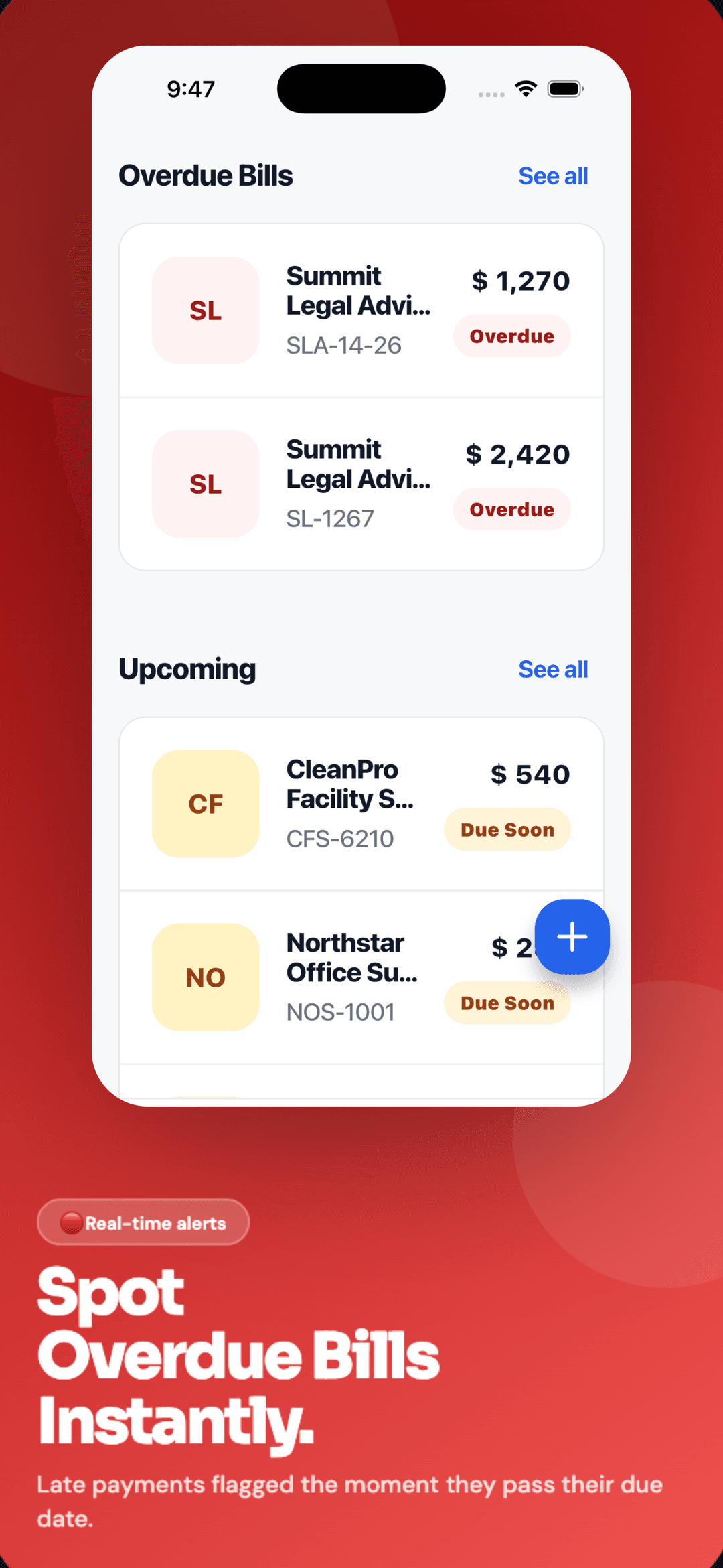
Track and pay
Monitor overdue, pending, and due-soon bills. Mark payments as paid when complete to keep your cash flow perfectly synced.

Start tracking today
Download PayTrack and start tracking your vendor bills today.